The global workflow automation market reached $23.77 billion in 2025, according to Mordor Intelligence. That growth reflects a familiar business problem: too much time is spent moving work between people and systems.
AI workflow automation uses artificial intelligence to manage, streamline, and execute business processes with minimal human intervention. But what makes it different from ordinary automation? This guide explores how it works, its benefits, practical applications, and implementation strategies.
What Is AI Workflow Automation?
AI workflow automation combines machine learning, natural language processing, and intelligent decision-making to execute business processes with limited manual involvement.
Think about an invoice arriving in your finance team's inbox. Instead of someone opening it, checking details, and forwarding it for approval, an intelligent workflow can extract information, validate records, flag discrepancies, and route the invoice automatically.
That's the difference between simply automating tasks and improving how work gets done.
Traditional Automation vs AI-Powered Automation
- Rule-Based vs Context-Aware Processing: Traditional automation follows predefined rules and instructions, while AI-powered automation interprets data and context to make more informed decisions.
- Fixed Rules vs Adaptive Capabilities: Traditional automation requires manual updates when conditions change, whereas AI-powered automation can adapt to changing inputs within defined operational boundaries.
- Predictable vs Complex Tasks: Traditional automation works best for repetitive, predictable processes. AI-powered automation can process both structured and unstructured information, including documents, emails, and customer queries.
- Rule Expansion vs Intelligent Workflows: Traditional automation scales by adding more rules and predefined steps, while AI-powered automation supports complex decision-making workflows with greater flexibility.
Key Takeaway: Traditional automation is effective for repetitive, rule-based tasks, while AI-powered automation extends these capabilities to processes requiring contextual understanding, flexibility, and more sophisticated decision-making.
For organizations exploring AI-powered business solutions, the opportunity extends beyond reducing repetitive work.
How Does AI Workflow Automation Work?
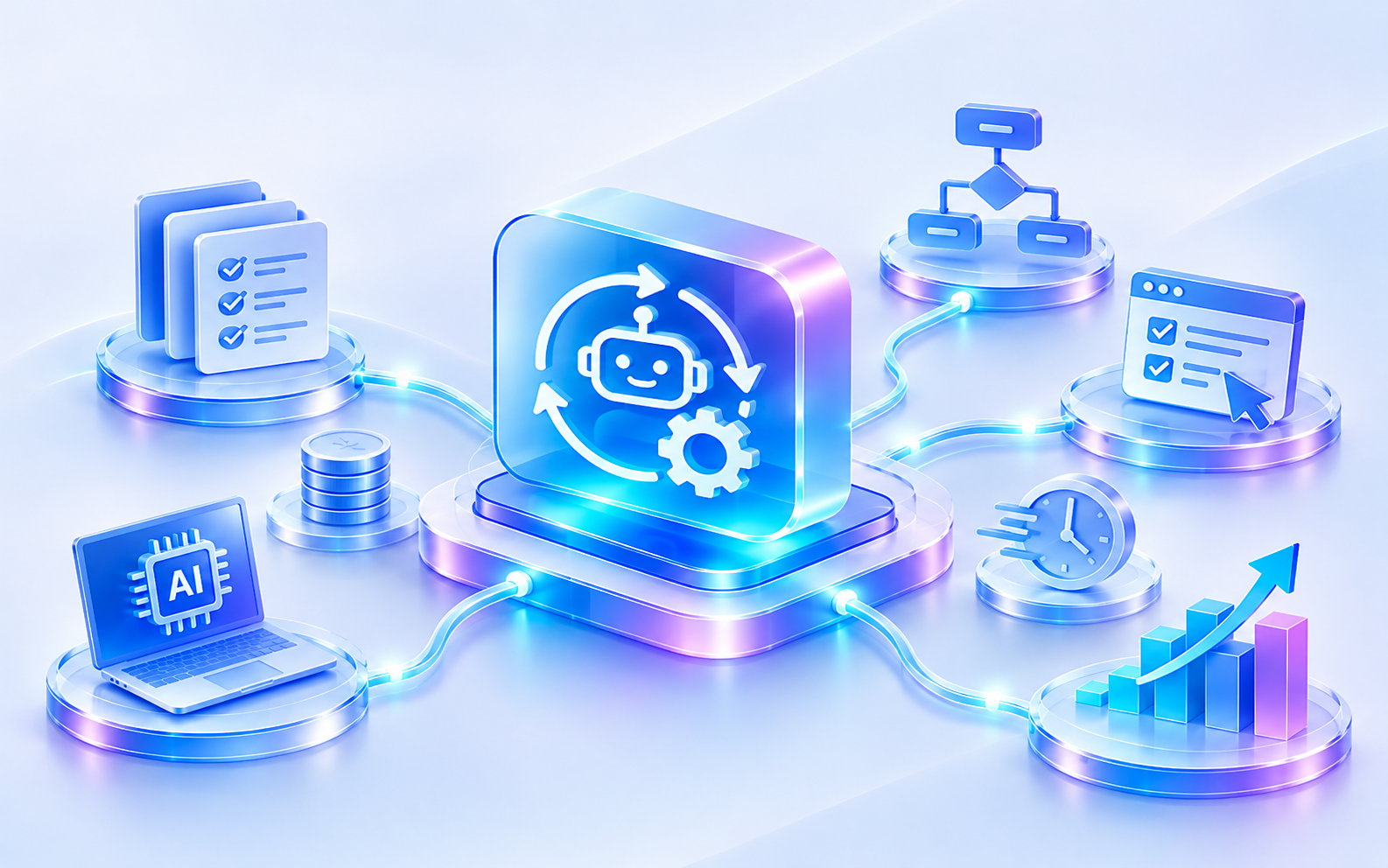
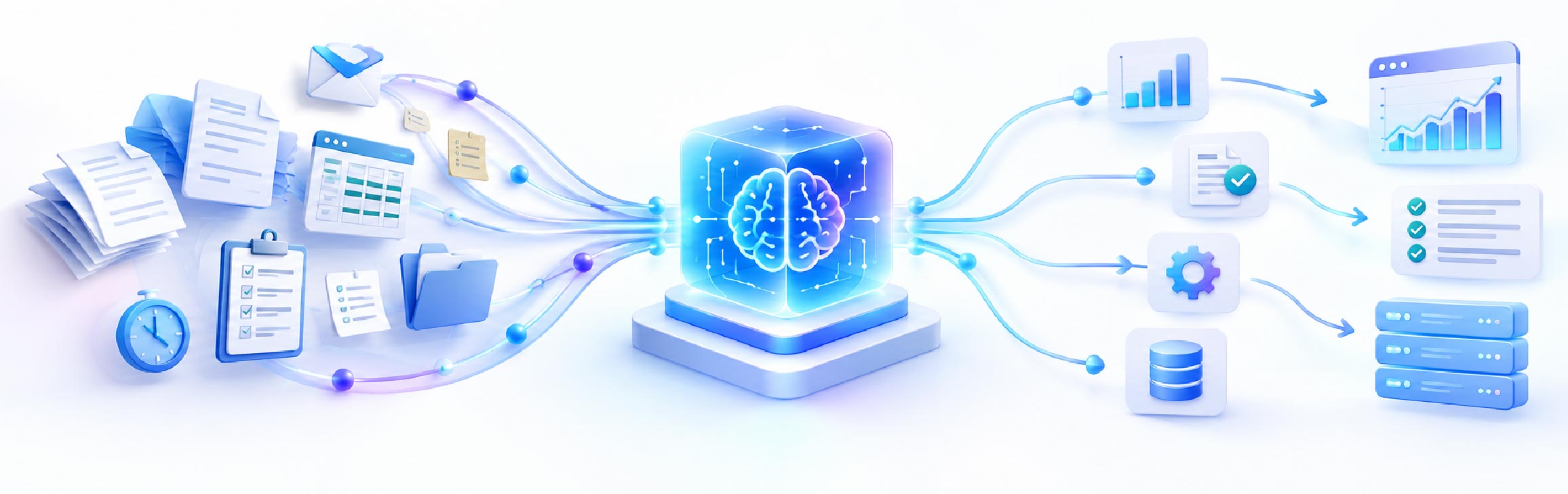
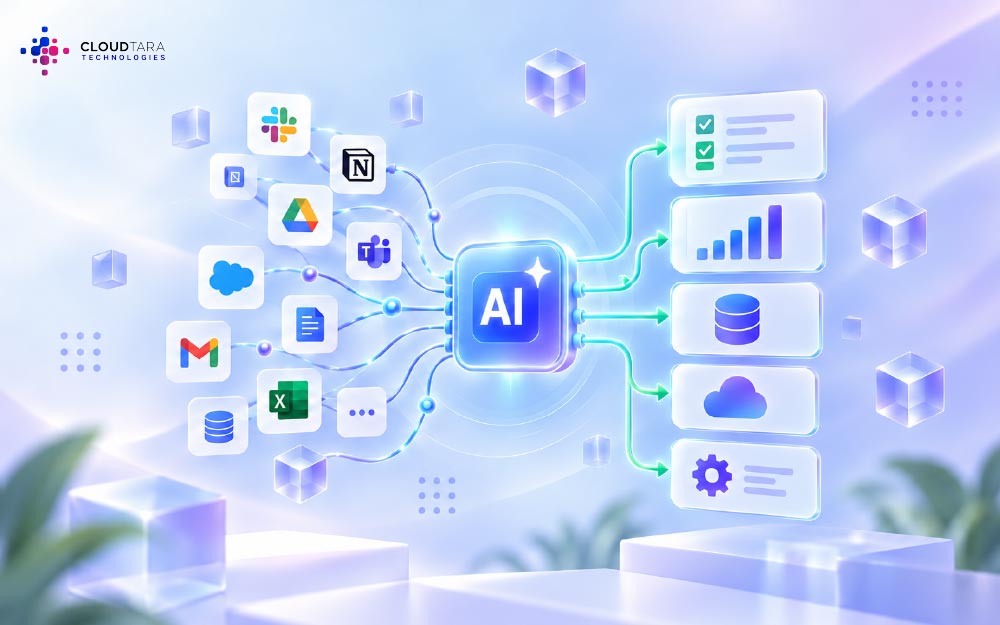
An intelligent workflow connects business systems, processes incoming information, and determines the next appropriate action.
Consider a customer requesting a refund. Instead of transferring the request between departments, an AI-enabled system can identify the issue, review purchase history, check refund eligibility, and initiate an approved action.
The process generally follows four stages:
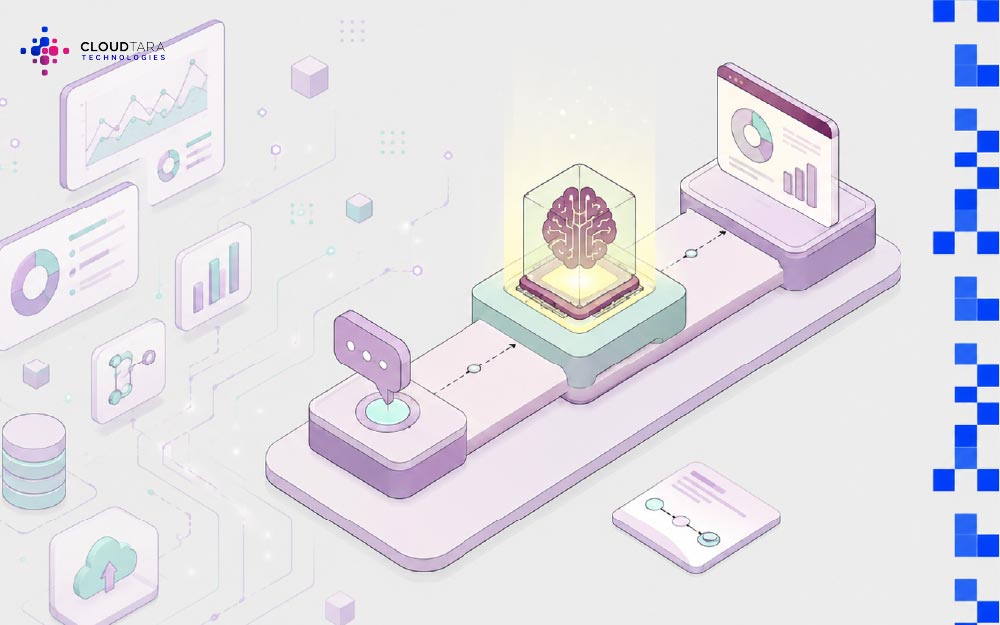
Trigger → Data Processing → Decision → Action
Machine learning identifies patterns, natural language processing interprets messages, and computer vision extracts information from images or documents. Robotic process automation (RPA) can then execute repetitive actions across applications.
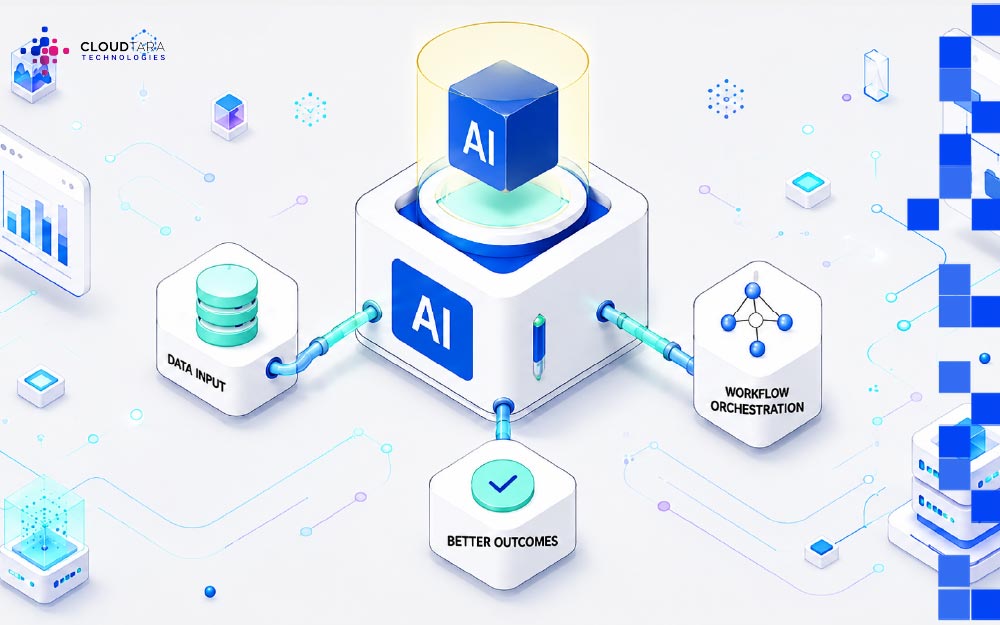
Core Components of an AI Workflow
Four components make these systems effective:
- Data connectors: Integrate CRMs, databases, communication tools, and enterprise applications.
- AI decision engines: Analyze information, recognize patterns, and recommend actions.
- Task orchestration: Coordinate activities, approvals, and handoffs between systems.
- Monitoring and feedback: Track performance, identify failures, and support continuous improvement.
Without reliable integrations and monitoring, even sophisticated AI models struggle to deliver consistent outcomes.
Key Benefits of AI Workflow Automation
The biggest benefits of AI workflow automation come from improving entire processes rather than isolated tasks.
1. Faster execution: Repetitive activities that previously required hours of manual coordination can sometimes be completed in minutes, depending on workflow complexity.
2. Lower operational costs: Reducing manual intervention helps organizations control processing expenses and redirect employee effort toward higher-value activities.
3. Fewer errors: Automated validations minimize common mistakes in data entry, document handling, and information transfers.
4. Continuous availability: Automated systems can process requests outside business hours, although exceptional cases may still require human review.
5. Greater scalability: Businesses can manage increasing transaction volumes without expanding administrative resources at the same pace.
The real value isn't simply completing work faster. It's reducing the delays, rework, and unnecessary handoffs surrounding that work.
Top Use Cases Across Business Functions
Different departments face different bottlenecks. Here's where intelligent automation can make a practical difference.
Customer Service
AI chatbots classify requests, retrieve relevant information, resolve routine queries, and escalate complex cases to appropriate agents.
HR and Recruitment
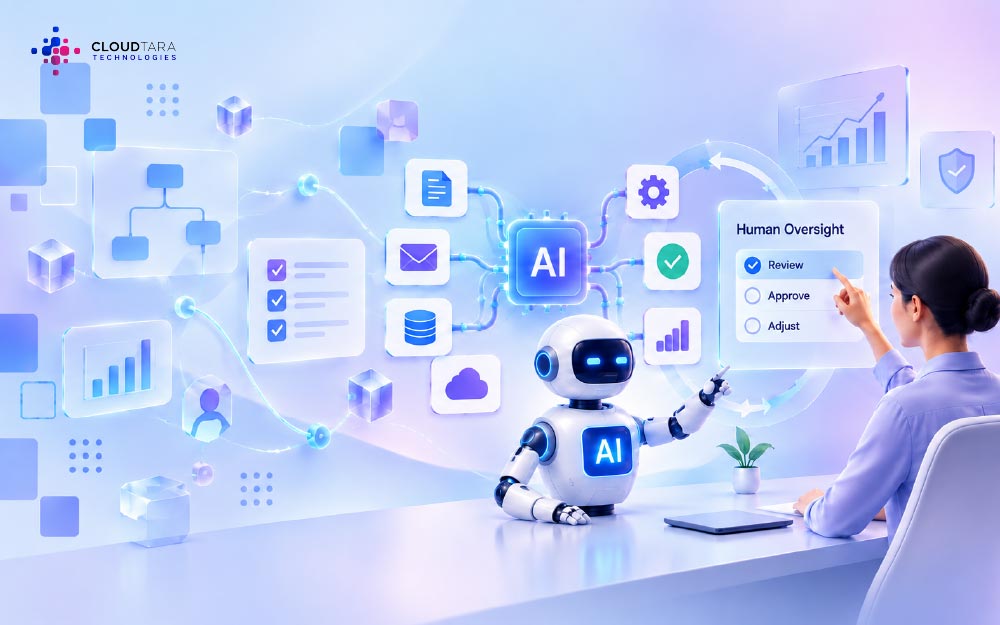
Recruitment teams use automation for application categorization, interview scheduling, employee onboarding, and document collection. Human oversight remains essential for consequential hiring decisions.
Finance and Accounting
AI automation supports invoice extraction, payment reconciliation, expense verification, and suspicious transaction detection.
Marketing and Sales
Marketing teams can automate lead scoring, audience segmentation, campaign personalization, and CRM updates based on customer behavior.
IT Operations
Intelligent workflows identify incidents, categorize alerts, initiate approved remediation procedures, and notify technical teams when intervention is necessary.
AI Automation Across Industries
Healthcare: Scheduling appointments, coordinating administrative records, and streamlining claims processing.
E-commerce: Managing orders, inventory updates, customer notifications, and returns.
Legal services: Extracting contract information, organizing documents, and flagging clauses for review.
Manufacturing: Supporting quality inspection, predictive maintenance, and supply chain monitoring.
AI Automation vs. Traditional Automation
Traditional workflow automation works particularly well when processes are predictable. For example, forwarding every approved expense claim to accounting requires straightforward rules.
AI adds the ability to interpret incomplete information, classify unfamiliar requests, and recommend context-sensitive actions.
However, intelligence doesn't eliminate the need for rules. Effective business process automation combines AI capabilities with defined permissions, validation checks, and human approval where necessary.
The goal isn't unlimited autonomy. It's dependable execution.
How to Implement Intelligent Workflows
Successful implementation begins with understanding the process, not selecting software.
- Identify bottlenecks: Examine high-volume activities involving repeated decisions, delays, or manual data transfers.
- Define measurable goals: Establish KPIs such as processing time, cost per transaction, error rate, and resolution time.
- Choose suitable technology: Evaluate platforms based on integration capabilities, security, flexibility, and operational requirements.
- Integrate and test: Connect existing applications, validate outputs, and test exceptions before production deployment.
- Monitor and improve: Review performance regularly and refine workflows based on measurable outcomes.
Expert tip: Start with one manageable workflow before expanding across departments. A controlled pilot makes integration problems easier to identify and helps establish a credible business case.
Challenges to Watch Out For
Despite its potential, implementation involves practical difficulties.
Poor data quality: Inaccurate records affect decision reliability. Establish validation procedures before introducing intelligent processing.
Legacy integrations: Older applications may lack modern APIs. Use appropriate connectors or integration middleware.
Employee resistance: Unclear responsibilities create uncertainty. Involve operational teams in workflow design and training.
Security and compliance: Automated actions can expose sensitive information. Apply role-based permissions, audit trails, and approval controls.
Good governance should be designed into the workflow rather than added afterward.
AI Workflow Trends for 2025–2026
The market is moving toward more connected, intelligent systems. Mordor Intelligence projects workflow automation spending will reach $26.01 billion in 2026 and $40.77 billion by 2031.
Several developments deserve attention.
Agentic AI: AI agents increasingly coordinate multi-step activities across applications, with human supervision for sensitive decisions.
Hyper-personalization: Businesses use contextual information to tailor customer interactions and service workflows.
Low-code platforms: Visual development environments make automation more accessible to operational teams.
AI governance: Organizations are placing greater emphasis on traceability, accountability, data protection, and controlled execution.
How CloudTara Helps Businesses Automate Smarter
Buying automation software is relatively straightforward. Making it work across fragmented business systems is harder.
CloudTara helps organizations connect AI strategy with practical implementation through consulting, intelligent automation, systems integration, and scalable AI solutions.
Rather than treating automation as a collection of isolated tasks, CloudTara focuses on improving workflows around measurable business outcomes.
Explore CloudTara's AI and Data Services to identify suitable opportunities for your organization.
Final Thoughts
AI workflow automation is becoming an important capability for businesses seeking faster execution, lower operating costs, and more consistent outcomes. However, meaningful results depend on selecting the right processes, integrating systems effectively, and maintaining appropriate oversight.
The strongest approach starts with a clear business problem rather than an AI tool.
Ready to rethink how work gets done? Connect with CloudTara to explore automation opportunities that deliver measurable operational value.